Your phone number is the key to your M-Pesa, your bank app and your email. Here’s how to make it much harder for fraudsters to steal it, in about ten minutes.
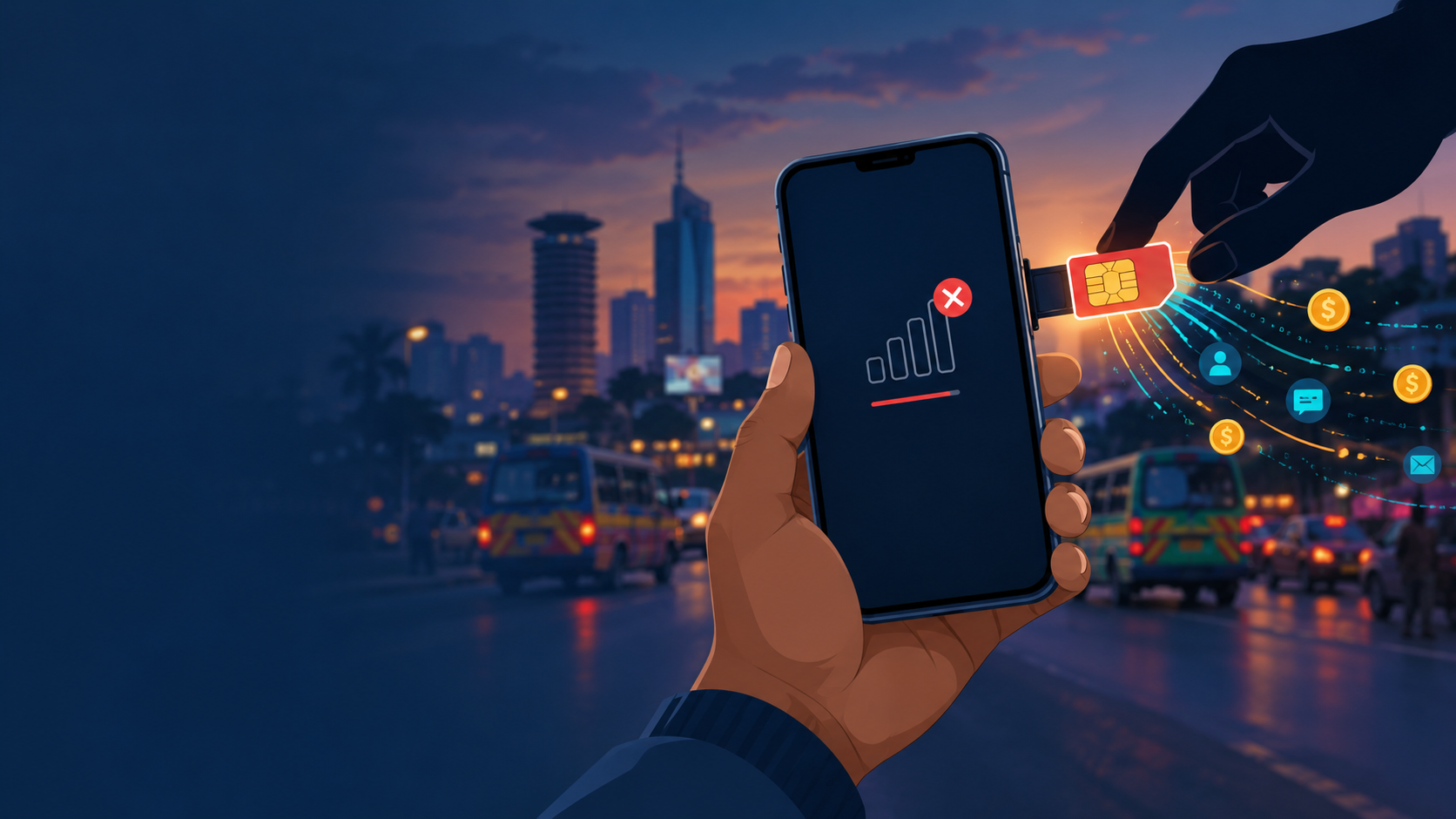
SIM swap fraud is simple and brutal. A fraudster convinces a mobile operator, or someone inside one, to move your phone number onto a SIM card they control. Your phone suddenly loses network. Their phone starts receiving your calls, your SMS messages and your one-time codes. Within minutes they can reset your M-Pesa PIN, log into your bank app, and take over your email and WhatsApp.
It’s happening more than ever. In its African Cyberthreat Assessment Report 2026, INTERPOL says SIM swap fraud in Kenya rose by 327% in 2025. More than 123,000 fraudulent SIM cards were issued, and an estimated USD 3.8 million (about KES 491.6 million) was drained from mobile wallets.
You can’t stop a determined criminal from targeting you. But you can make your number much less useful to them, and spot an attack fast enough to stop the damage. Here’s how.
The 10-minute lockdown
Do these six things today. Most take a minute each.
1. See which lines are registered to your ID (1 minute)
Fraudsters sometimes register extra lines with stolen ID details. Dial *106# and choose the option to check registered numbers. Safaricom and Airtel both support it. You’ll get an SMS listing every line under your ID. If you see one you don’t recognise, report it from the same menu.
On Safaricom, you’ll also get an SMS from 707 whenever someone tries to register a new line with your ID. If it wasn’t you, reply to reject it.
2. Block SIM swaps unless you’re present (1 minute)
Safaricom’s own fraud tips say you can dial *100*100# to prevent your SIM being swapped without you being there in person. Do it now. If you’re on another network, call customer care and ask what SIM swap protection they offer.
3. Set a SIM PIN (2 minutes)
A SIM PIN doesn’t stop a swap done at the operator, but it closes the other common route: a stolen phone. With a PIN set, a thief can’t use your SIM after the phone restarts, even in another handset, so they can’t receive your codes. Find your PUK code first. It’s printed on the card your SIM came in, or your operator can give it to you. Three wrong PINs will lock the SIM, and the PUK unlocks it.
- Android: Settings → Security (or Security & privacy) → SIM card lock.
- iPhone: Settings → Mobile Service (or Cellular) → SIM PIN.
4. Turn on WhatsApp two-step verification (1 minute)
With your number, a fraudster can set up WhatsApp on their own phone and message your contacts asking for “urgent” money. A two-step PIN stops that: they’d need the PIN as well as the SMS code. In WhatsApp, go to Settings → Account → Two-step verification, set a PIN, and add an email address in case you forget it.
5. Move your email off SMS codes (3 minutes)
Your email can reset nearly every other account you have, so protect it with something better than an SMS code. In your Google or Microsoft account security settings:
- Add a passkey or an authenticator app as your sign-in method.
- Remove your phone number as the only way to recover the account, or at least add a backup email.
- Save your backup codes somewhere safe that isn’t your phone.
Do the same for your bank: use the app’s fingerprint or face login where it’s offered, rather than SMS codes alone.
6. Starve fraudsters of your details (1 minute)
SIM swaps usually start with your personal details. Stop posting or sending your ID number and date of birth casually. Remember three rules from Safaricom: it only calls from 0722000000, it will never ask for your M-Pesa PIN, and suspicious messages should be forwarded to 333.
Know the warning sign: sudden “no network”
The clearest sign of a SIM swap is that your phone suddenly shows “No service”, “Emergency calls only” or “SIM not registered”, while people around you on the same network have signal. Restarting doesn’t fix it.
Other signs:
- An SMS about a SIM replacement or a new line that you didn’t request.
- M-Pesa messages stop arriving, or your balance looks wrong.
- You’re suddenly logged out of WhatsApp, or friends say “you” messaged them asking for money.
- Password reset emails or codes you didn’t ask for.
Don’t wait it out. Fraudsters move fast, and minutes matter.
What to do in the first hour
- Contact your mobile operator immediately from another phone, or go to the nearest operator shop with your ID. Say you suspect a SIM swap and ask them to block the line.
- Call your bank and ask them to freeze mobile and online access until your line is back.
- From a trusted device, change your email password and sign out all other sessions.
- Warn your contacts through another channel that messages from your number may be fake.
- Report it to the police and keep the reference number. Your bank and operator may ask for it.
Afterwards, once your line is restored, go through the six lockdown steps again. In particular, check *106# for any new lines and review your email’s sign-in settings.
The short version
Your phone number unlocks your money and your accounts, so protect it like a key:
- Check
*106#for lines you don’t recognise. - Dial
*100*100#on Safaricom to block swaps unless you’re present. - Set a SIM PIN.
- Turn on WhatsApp two-step verification.
- Move your email and bank logins away from SMS-only codes.
- Keep your ID number and date of birth to yourself.
And if your phone suddenly loses network for no reason, act within minutes, not hours.
Ten minutes today is a lot cheaper than a drained M-Pesa account. Share this with the people in your life who’d be the hardest hit: parents, relatives, and anyone running a business on their phone.
Sources
- How Kenyans lost Sh491m, cryptos via SIM hijack, Business Daily, August 2026 (quoting INTERPOL’s African Cyberthreat Assessment Report 2026)
- Fraud awareness: tips for staying safe, Safaricom
- How to check all numbers registered with your ID, The Kenya Times, September 2026

Ngigi Nyoro is a tech lead in Nairobi who builds AI automations, runs infrastructure and designs interfaces.
More about me →